All inone kiln

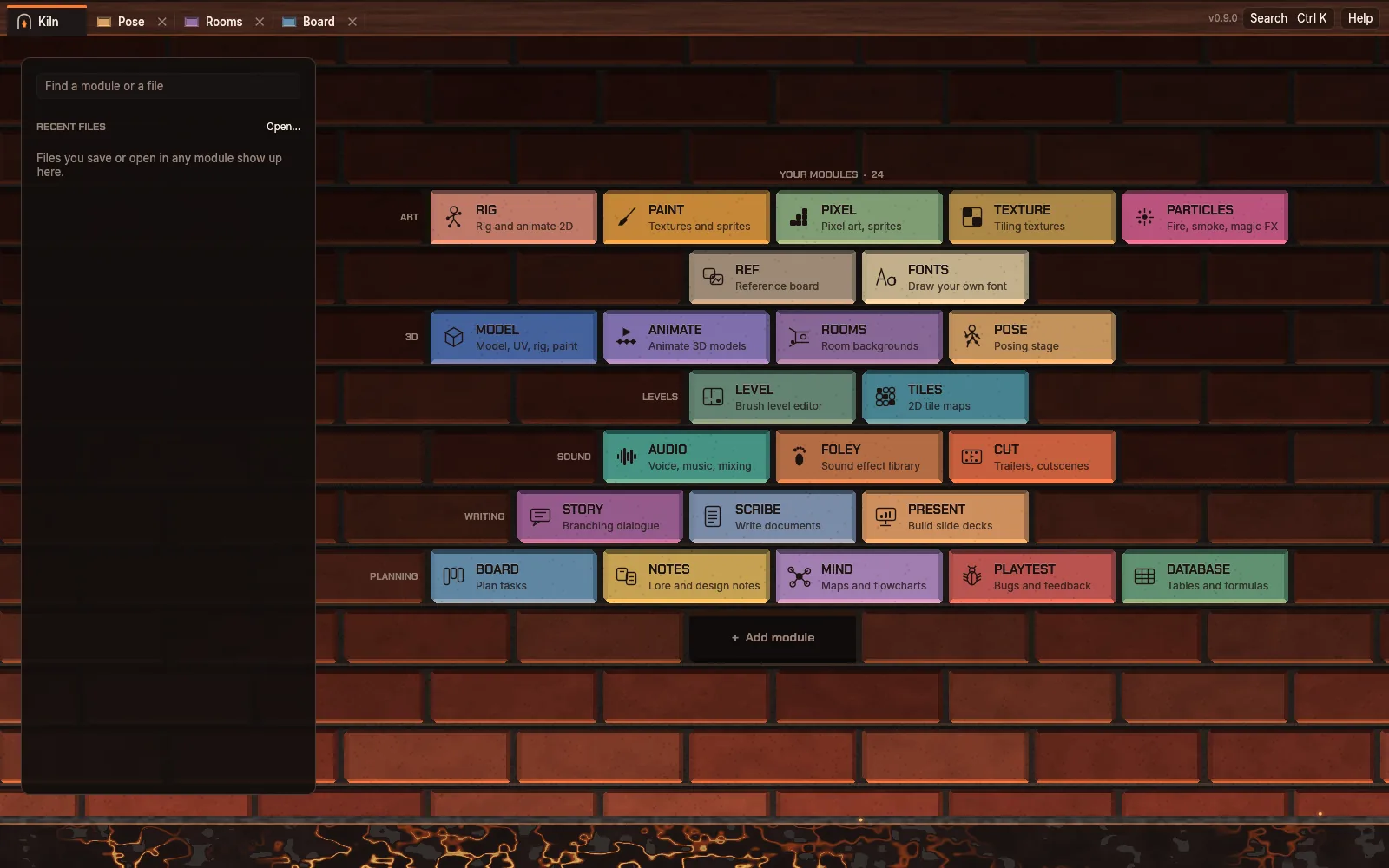
The Kiln tab: every module as a glazed brick in a fire-lit wall

Kiln is one desktop app for making games: 3D models, 2D rigs, pixel art, rooms and poses, sound, story and planning, each a brick in the same wall.

Download Kiln 0.9.0

Pick a brick

Twenty-five modules, each replacing a program you would otherwise juggle. Click one to see it working.

Art

3D

Levels

Sound

Writing

Planning

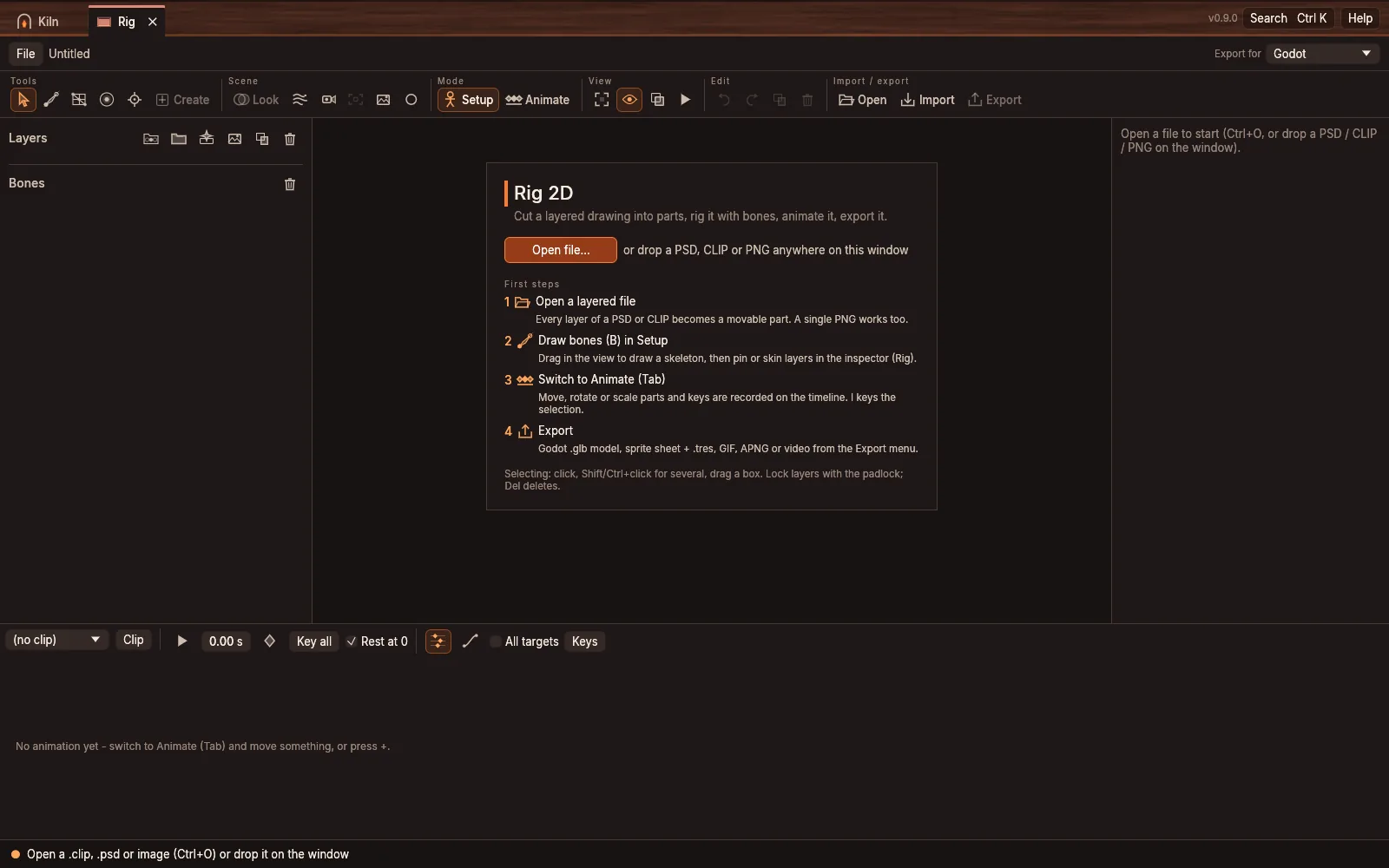
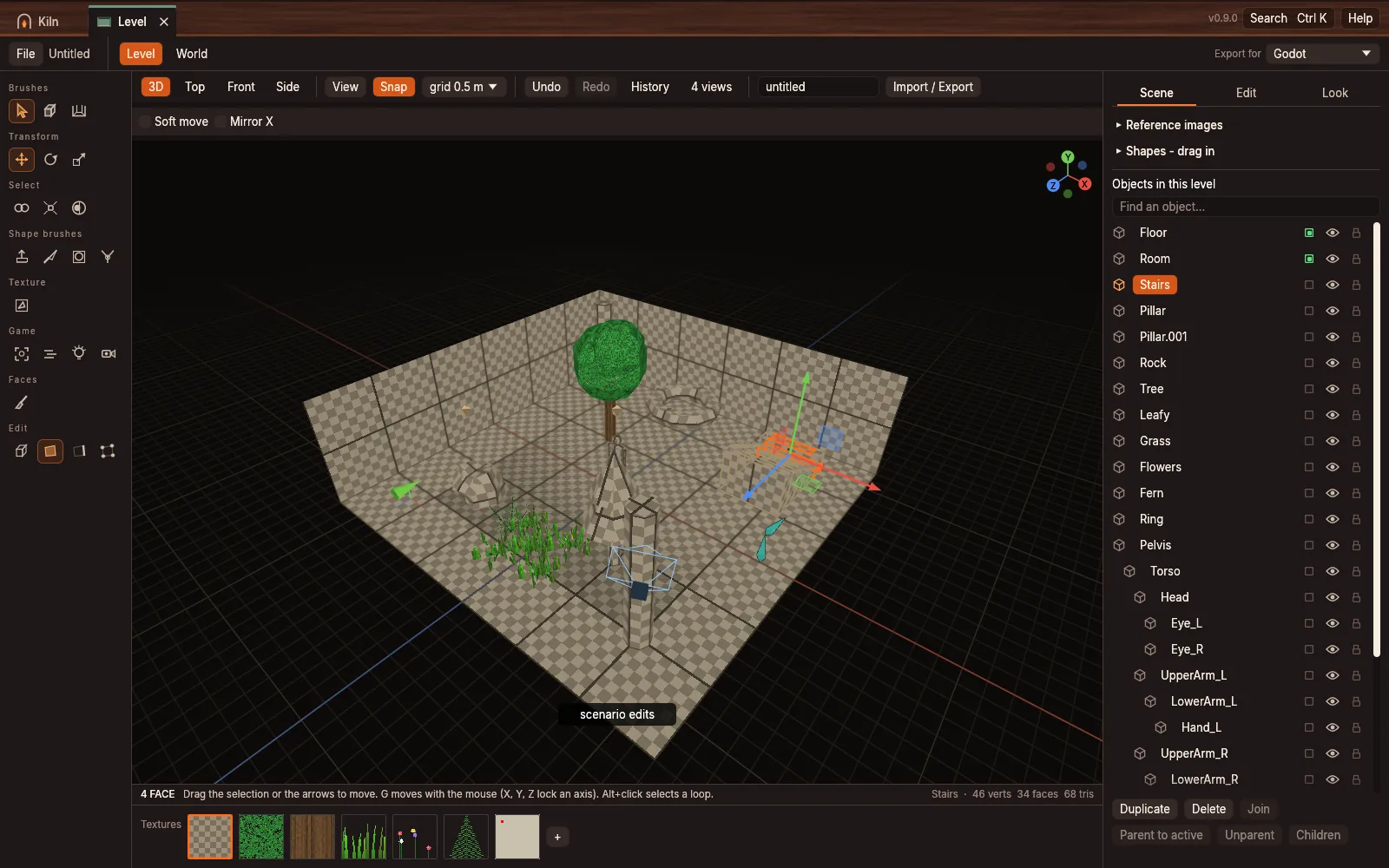
Rig in Kiln

Rig

Turn layered character art (PSD, CLIP) into a rigged, animated 2D character for your game

.krig How Rig works

Why Kiln

One window

Modules open as tabs in one window, with one look and one set of habits. No hopping between a dozen programs that each want an account.

Pick your tools

Keep the bricks you use on the wall and leave the rest out. Kiln stays small, and each module has its own file type.

Yours, offline

No sign-in and nothing uploaded. Your work lives in files on your own disk, and Kiln only updates when you click Update.

Into your engine

Export for Godot or Unity with the shaders, scripts and settings they need, or to glTF, PNG, GIF, WAV and MP4.

How it fires

Kiln is made for indie and adult game makers who would rather make the game than manage the tools. From download to export takes five moves.

  1. Kiln: download

    Download

    One file for Linux or Windows. Put it anywhere and run it: there is no installer and no account.

  2. Kiln: lay the bricks

    Lay the bricks

    The Kiln tab is a wall of your modules. Add the ones you need; leave the rest out until you want them.

  3. Kiln: open a tab

    Open a tab

    Click a brick and the module opens as a tab in the same window. Recent files sit next to the wall with their previews.

  4. Kiln: make

    Make

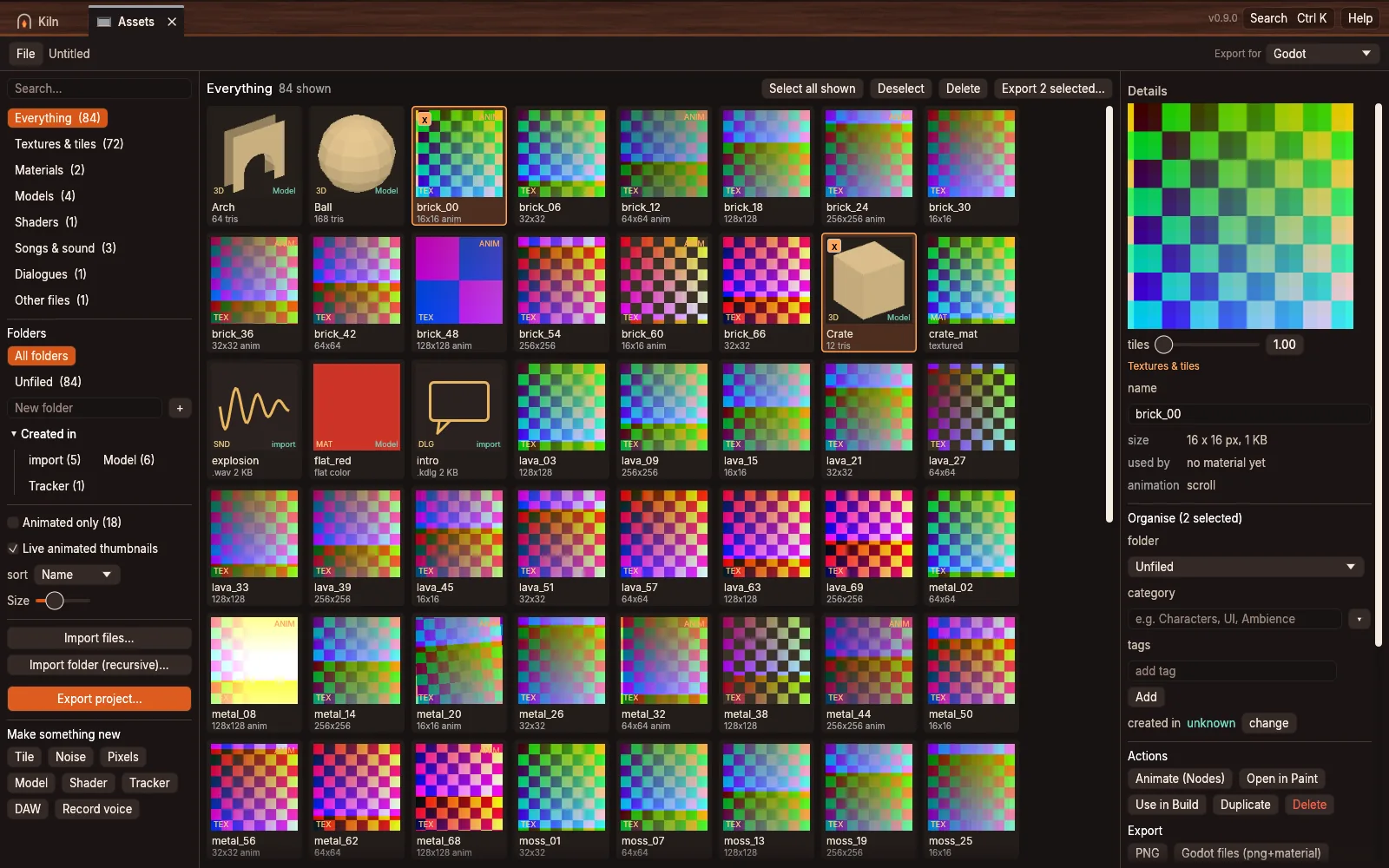
    Every module keeps its own file: a rig, a level, a song, a room. F1 shows the keys for the one in front of you, Ctrl+K finds any command.

  5. Kiln: fire it

    Fire it

    Export straight into Godot or Unity, or to glTF, PNG, sprite sheets, GIF, WAV and MP4 for anything else.

Download Kiln 0.9.0

One file, no installer. Kiln checks for new versions when it starts and shows Update; nothing installs until you click it.

Linux

Download for Linux
  1. Download kiln-linux-x86_64.
  2. Make it runnable and put it on your path:
    chmod +x ~/Downloads/kiln-linux-x86_64
    mkdir -p ~/.local/bin
    mv ~/Downloads/kiln-linux-x86_64 ~/.local/bin/kiln
  3. Run kiln from a terminal, or add it to your app menu:
    cat > ~/.local/share/applications/kiln.desktop <<'EOF'
    [Desktop Entry]
    Name=Kiln
    Exec=kiln
    Type=Application
    Categories=Graphics;Development;
    EOF

Works on Wayland and X11 with any 64-bit distribution. Needs a graphics card with Vulkan (most from 2016 on). Cut and video export also need ffmpeg.

Windows

Download for Windows
  1. Download kiln-windows-x86_64.exe.
  2. Move it to a folder of its own, for example C:\Users\you\Apps\Kiln, and double-click it.
  3. If Windows shows “Windows protected your PC”, choose More info, then Run anyway. Kiln is not code-signed yet, so Windows does not know it.
  4. Right-click the file and choose Pin to Start to keep it handy.

Windows 10 or 11, 64-bit, with DirectX 12 or Vulkan graphics. Cut and video export also need ffmpeg on your PATH.

macOS is not supported yet. Settings and autosaves live in ~/.local/share/kiln-native on Linux and %APPDATA%\Kiln on Windows.

Firing log

Kiln 0.9.014 November 2026

Pose: a posing stage with scenes, a free camera, move and turn gizmosPoseNew
Human figures to pose, with body proportions and twelve pose presetsPoseNew
Import your own rigged character and pose it with its own skeletonPoseNew
Pieces turn at any angle; import meshes from files or from ModelRoomsBetter
Line art renders and perspective guides for drawing overRoomsNew
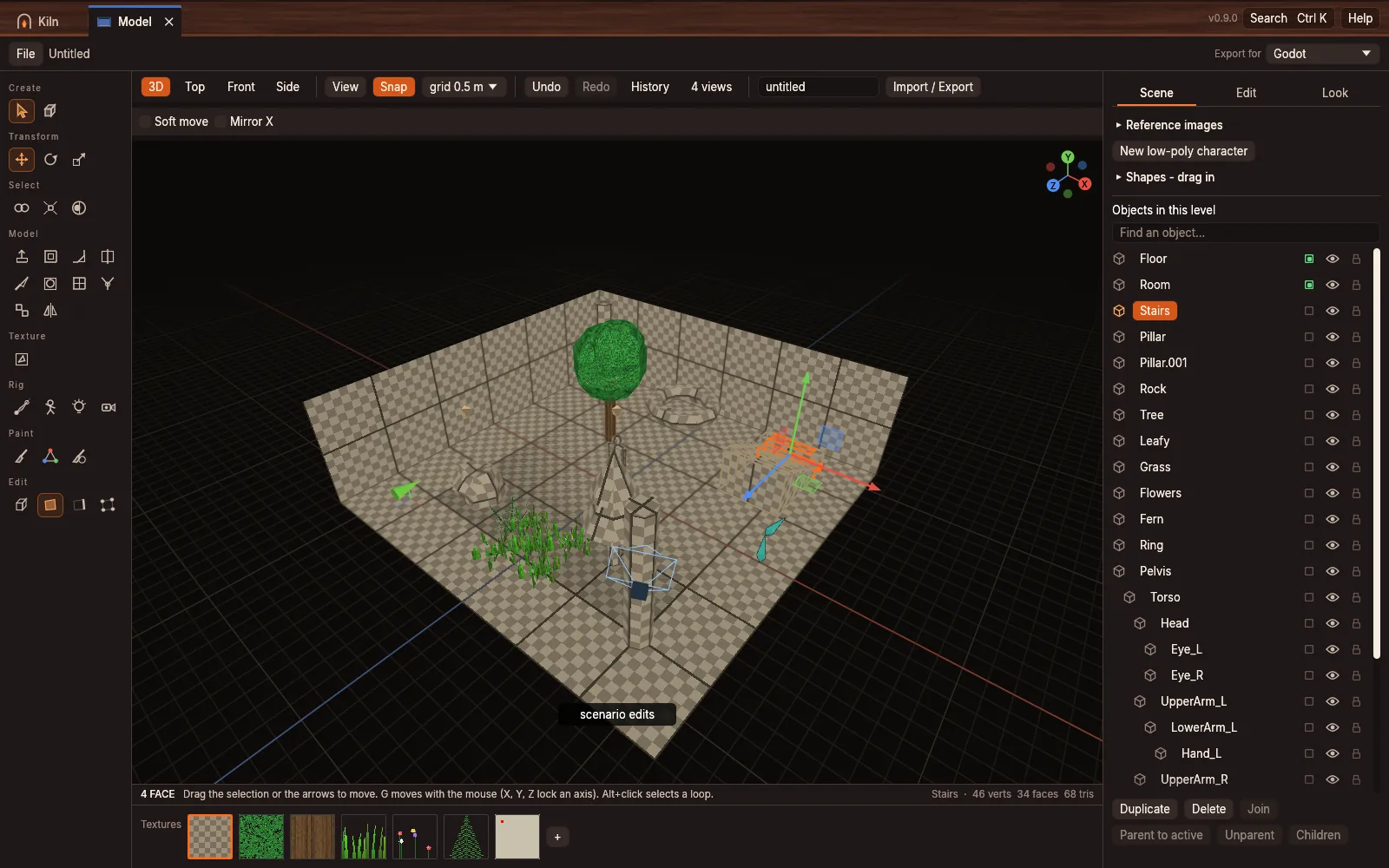
Blender keys: G, R, S with axis locks and typed values, Shift+A, BModelNew
Pick many cards at once, label them together, paste pictures inBoardNew
Earlier firings

Kiln 0.8.014 November 2026

One program, one window: modules open as tabsKilnNew
The Kiln tab: a fire-lit brick wall of your modules and recent filesKilnNew
3D split into Model and LevelModelBetter
Fifteen new modules, from Pixel and Cut to Board and DatabaseKilnNew
Font packs, emoji and ligaturesFontsNew

Kiln 0.7.01 November 2026

UV editor, reference images, skinning and a four-way viewModelNew
Damaged-project protection and a crash test across modulesKilnFixed
About window with licences, and a user guideKilnNew

Kiln 0.6.01 November 2026

Every engine setting, fog that matches Godot, texture drag and dropLevelBetter

Kiln 0.5.01 November 2026

Export for Unity, booleans and the knifeModelNew

Kiln 0.4.01 November 2026

Colliders, fog walls and Sync with GodotLevelNew
Cleaner noise reduction that keeps the voice's levelAudioFixed

Kiln 0.3.01 November 2026

Studio for recording voice lines; tracker and DAW apart; library foldersAudioNew

Kiln 0.2.031 October 2026

Plain glTF export for any 3D app, next to the Godot oneRigNew
Undo in every texture tool; file dialogs no longer freeze the windowKilnFixed

Every release on GitHub