Rig
Turn layered character art (PSD, CLIP) into a rigged, animated 2D character for your game. Saves .krig files.
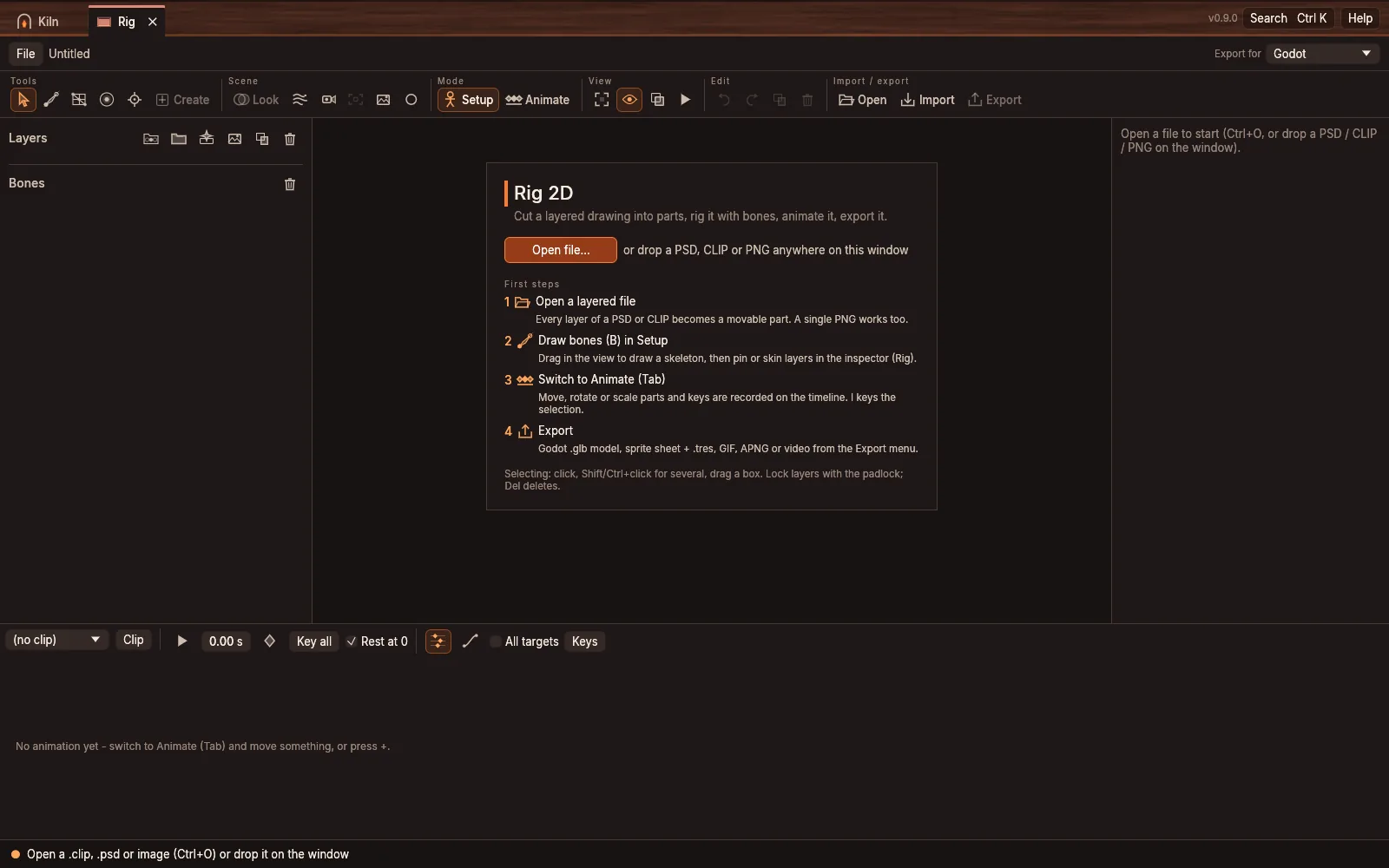
- Q select
- B bone
- M mesh
- W weights
- O pivot
- L liquid
- K mask
- J hole
- T text
- Tab - Setup / Animate
- Space - play / stop
- I - key the selection
- Shift+I - key all (whole pose)
- F - fit to window
- Drag a bone's body - rotate it (Alt+drag - move it)
- R - set the selected bone's parent: click the new parent (empty space = none)
- H - helpers on / off (over the curves: fit the view)
- P - mini preview
- 1-9 - pick a swap-set option
- Click - select
- Shift / Ctrl+click - add / toggle
- Drag empty space - box select (Alt = fully inside)
- Alt+drag the origin cross - move the pivot
- Middle drag / Space+drag - pan
- Scroll - zoom
- Ctrl+A - select all layers (over the timeline: all keys)
- Ctrl+G - group
- Ctrl+D - duplicate
- Ctrl+Shift+I - import images as new layers (or drop PNG / JPG / WebP files on an open rig)
- Sounds lane (under the timeline): right-click to add a sound, drag to move, click to hear, Delete removes; drop WAV / OGG / MP3 on the window to place one at the playhead. Edit / split sounds in Tracker > SOUNDS
- Bone colors: each bone keeps one color; the dots on a layer row are the bones it is skinned to, the anchor the bone it is pinned to. Select a layer to light up its bones, a bone to outline its layers
- Del - delete the selection (over the timeline: the selected keys)
- Ctrl+C / Ctrl+V - copy / paste keys
- Ctrl+Z / Ctrl+Shift+Z - undo / redo
- Esc - end a bone chain, leave a tool, clear the selection
- Right-click a layer or bone - every action for the selection; drag a layer row to reorder / regroup, double-click to rename